Everything in RoboLink
A detailed look at every feature that makes RoboLink the ultimate wireless robot controller.
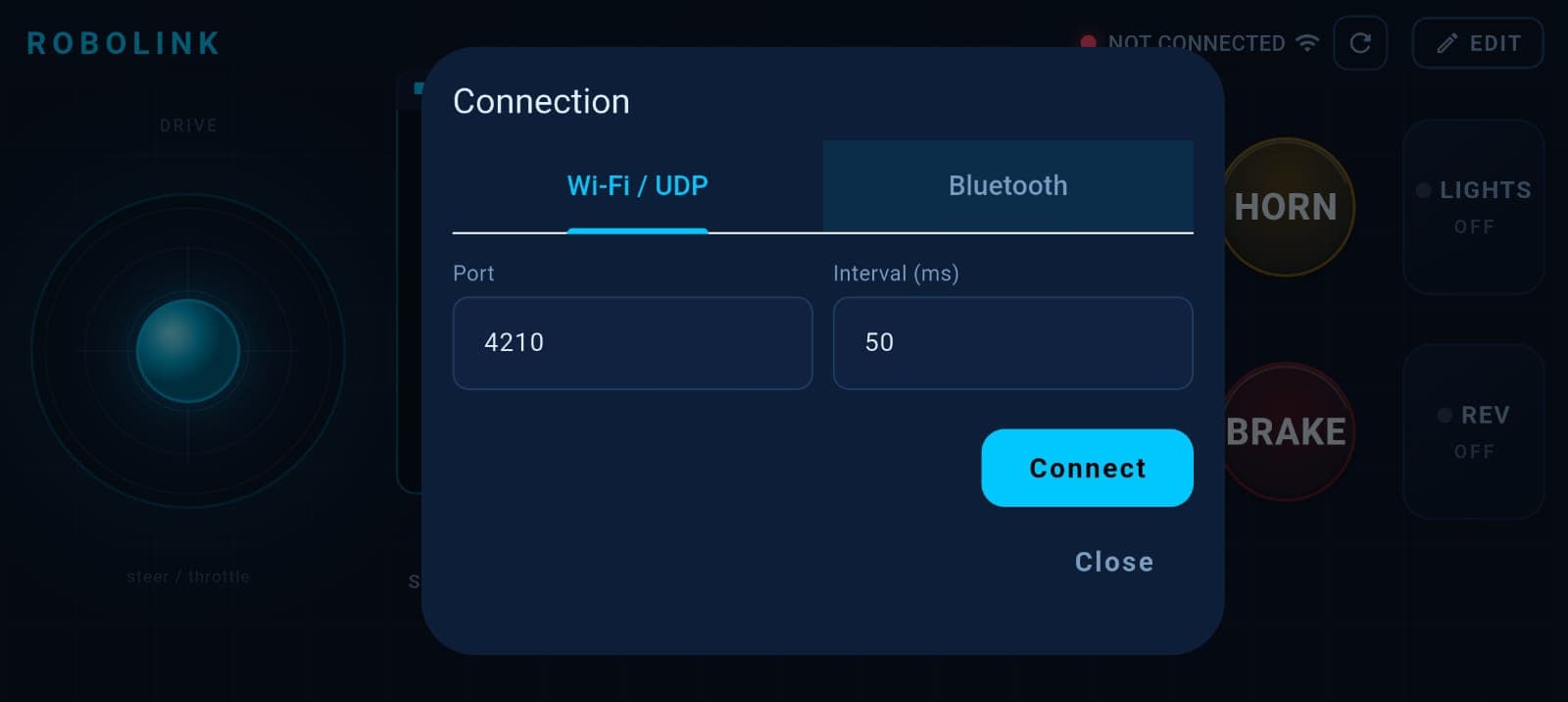
Wi-Fi (UDP) Connectivity
Connect to your robot over Wi-Fi using the UDP protocol for ultra-low latency control. Configure port numbers, update intervals, and connect to ESP32/ESP8266 access points or local networks.
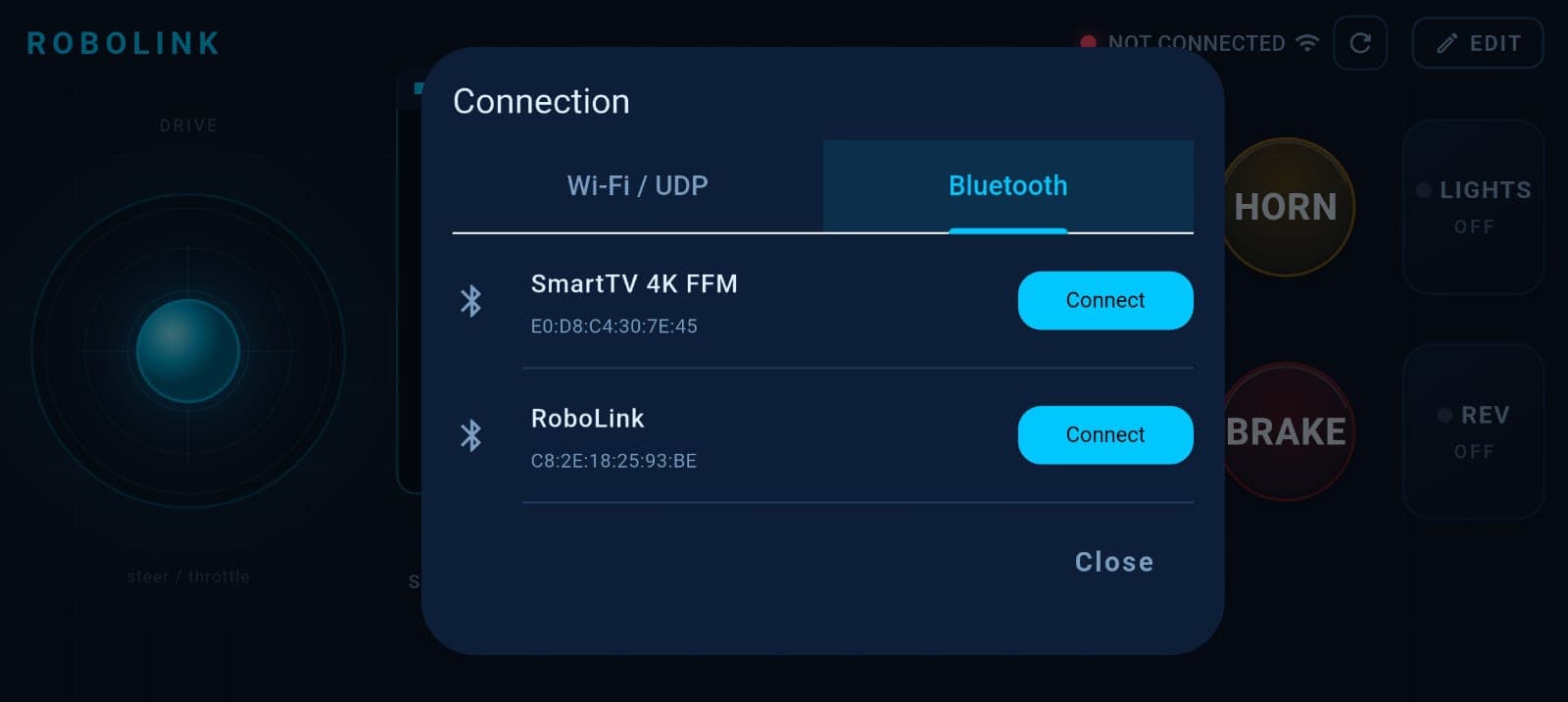
Bluetooth Classic
Pair with Arduino boards using HC-05, HC-06, or ESP32 Bluetooth modules. The app remembers paired devices for instant reconnection and supports automatic reconnect on connection drops.
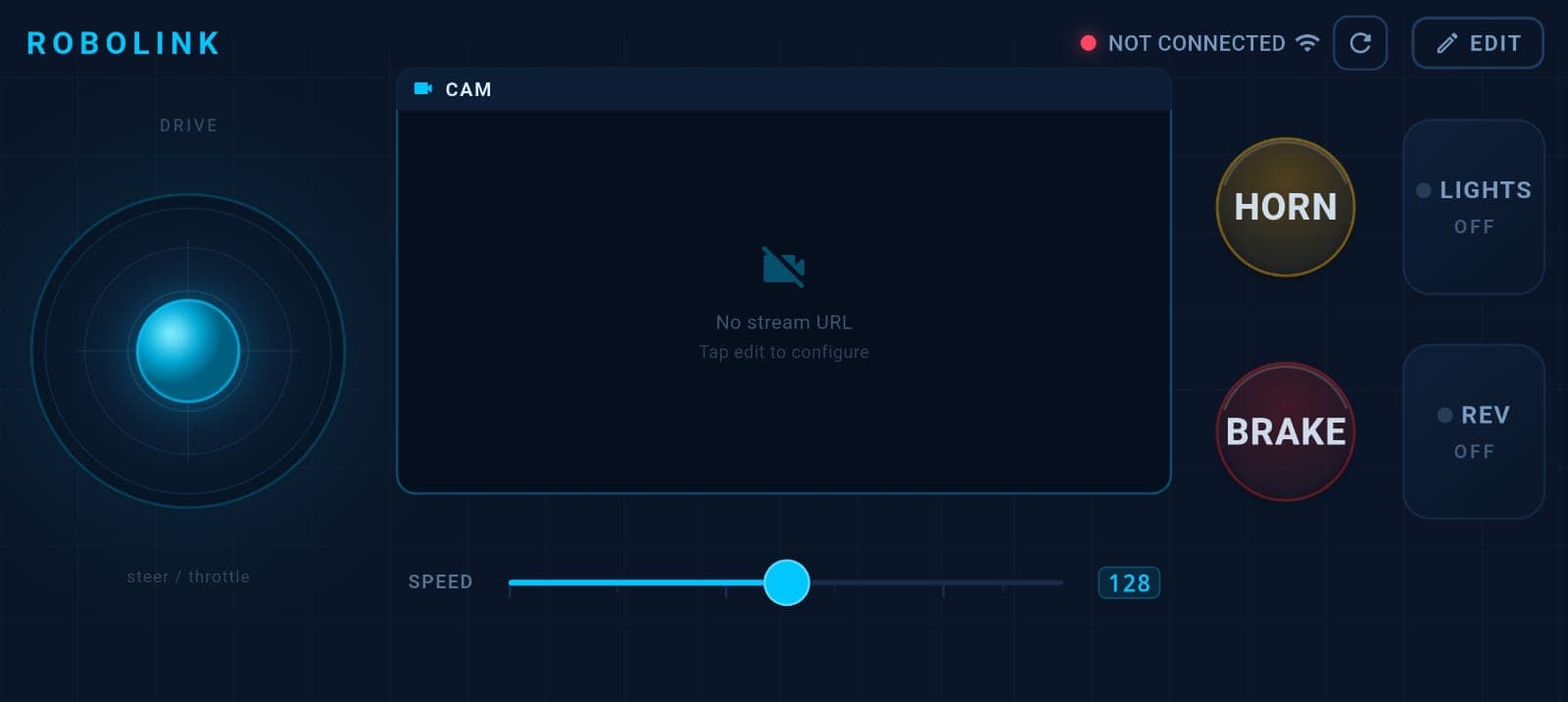
Analog Joystick
A full analog joystick with configurable axes, dead zones, and output ranges. Supports axis inversion for different robot configurations. The joystick sends continuous position data for smooth, precise control.
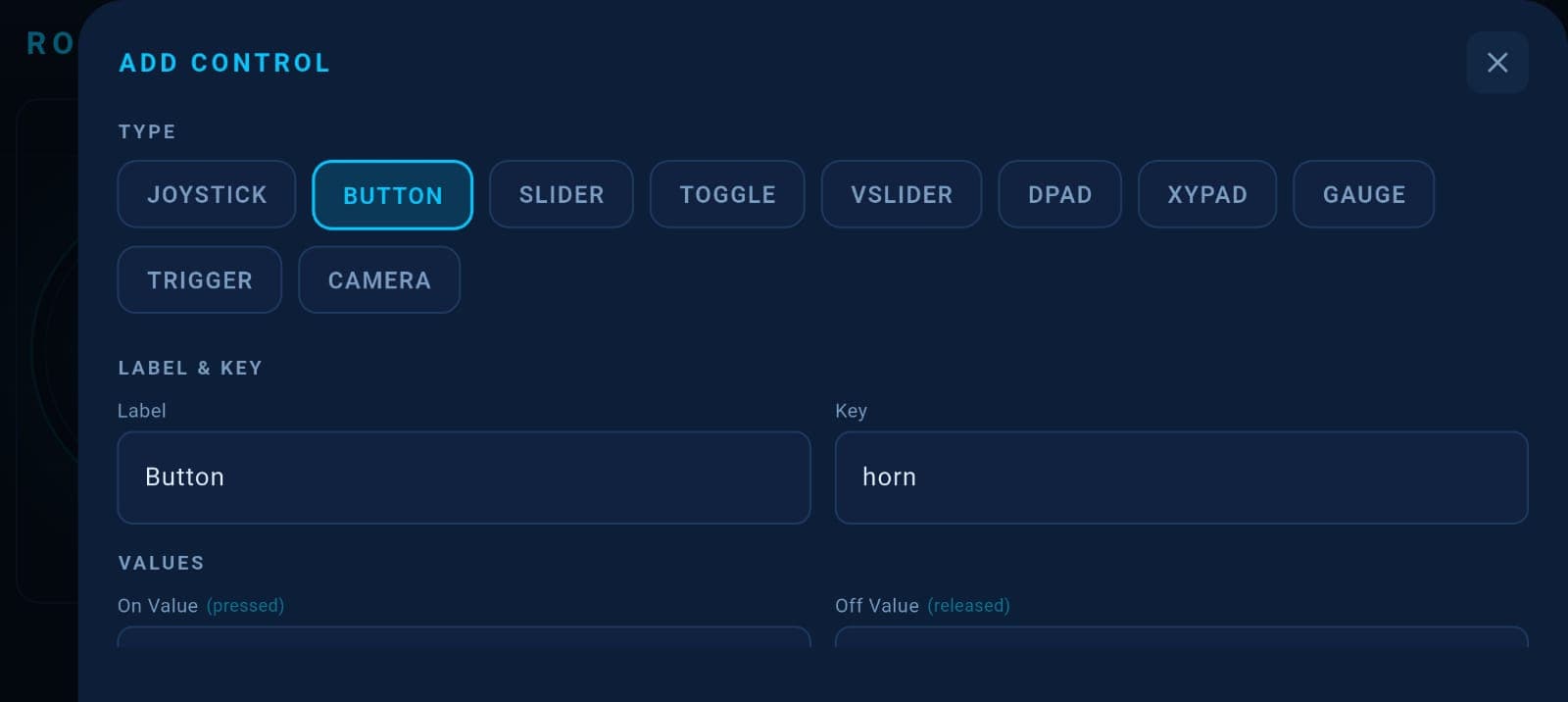
Drag-and-Drop Layout Editor
Build your perfect controller with a visual grid editor. Add, remove, resize, and reposition widgets freely. Choose from joysticks, buttons, sliders, toggles, D-pads, XY pads, gauges, triggers, and camera widgets.
Layout Presets & Save System
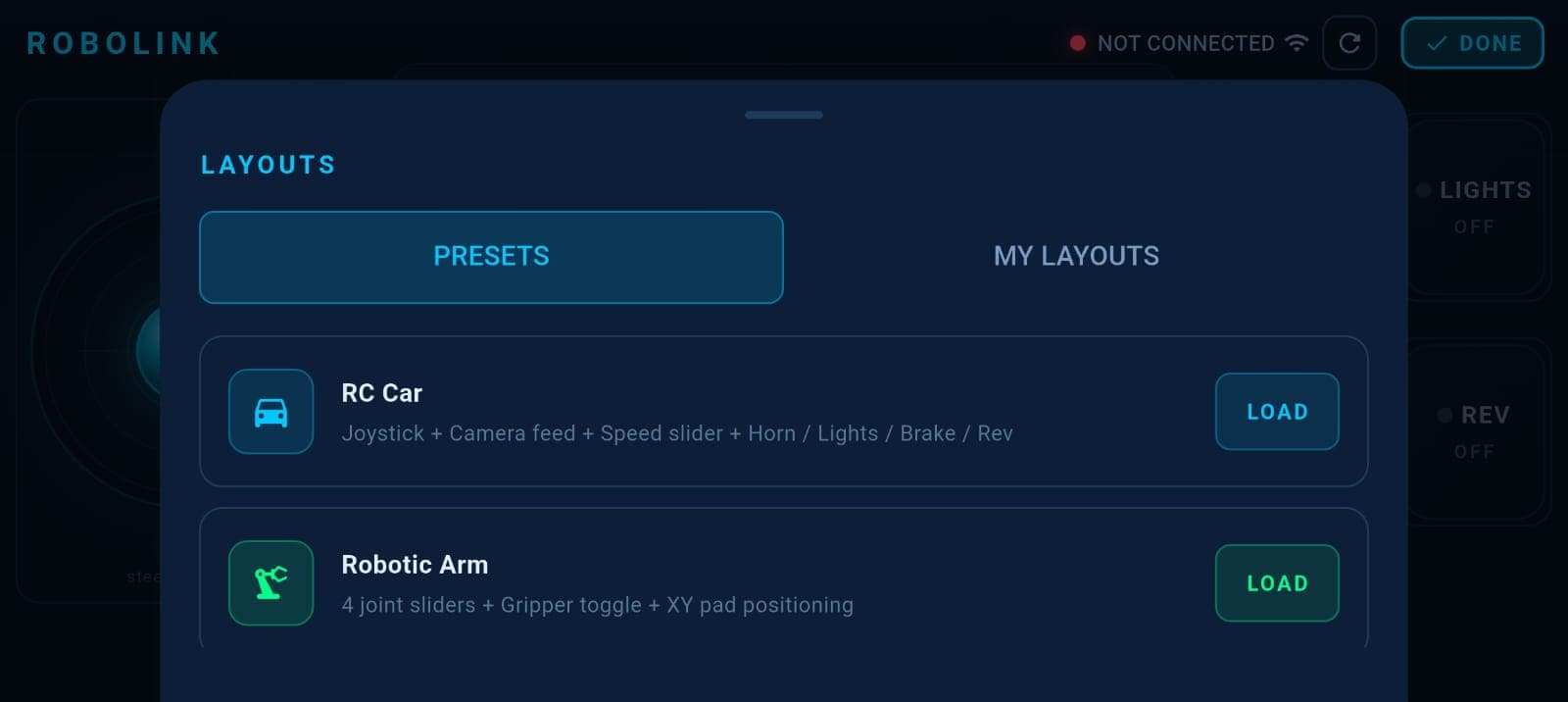
Save your custom layouts and switch between them instantly. Built-in presets for RC Car and Robotic Arm configurations. Export and import layouts for sharing with other users.
Robotic Arm Control
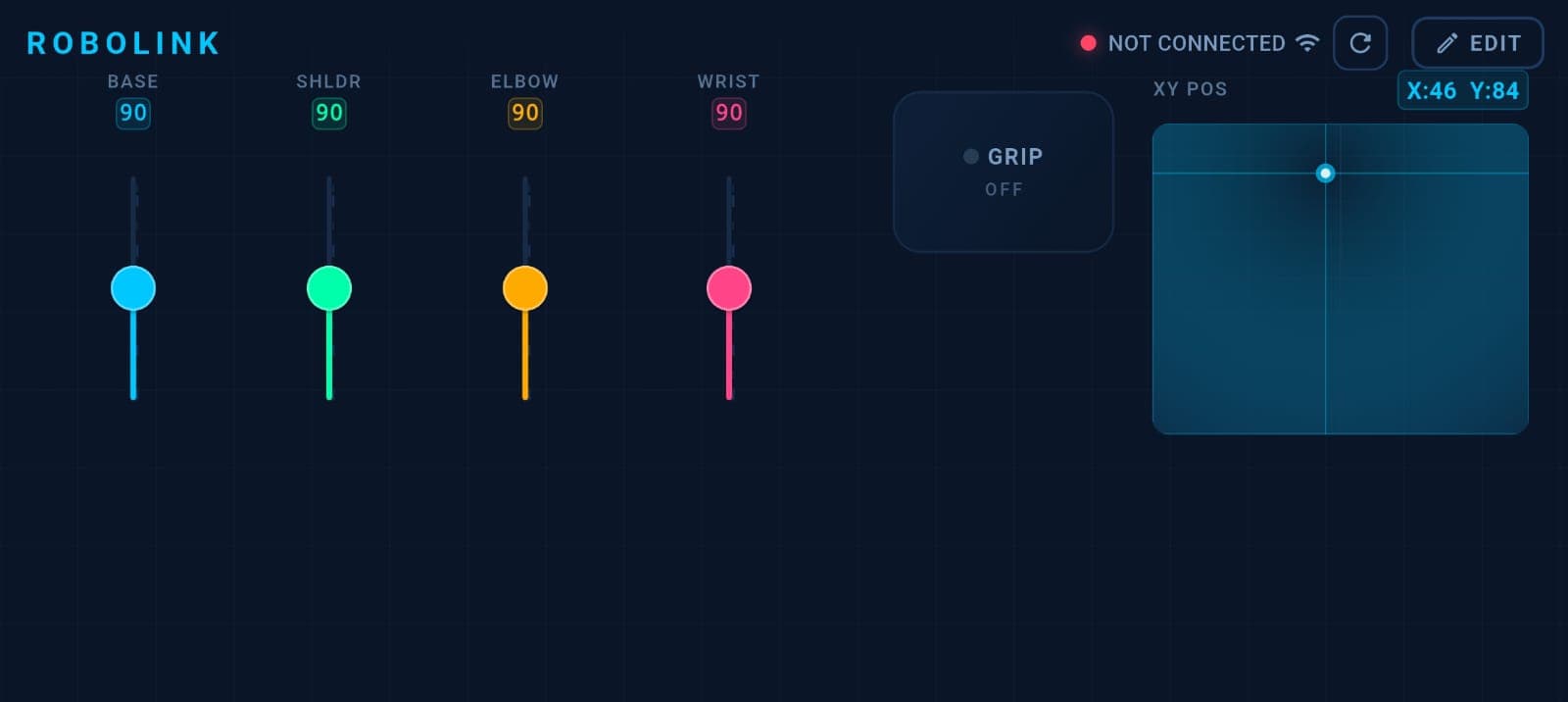
Dedicated vertical sliders for joint control with color-coded channels. An XY position pad for end-effector positioning and a gripper toggle. Each slider shows real-time value feedback.
And More
MJPEG Camera
Live camera streaming with flip and mirror
Toggle Widgets
Latching and momentary button types
D-Pad Control
Digital directional pad for movement
Responsive UI
Works on phones and tablets
Deep Customization
Every widget is fully configurable
Fast & Lightweight
Minimal latency, maximum performance